Build your next panel
with Lato
A Rails Engine that gives you a complete web application starter kit: authentication, user management and UI components, ready in minutes.
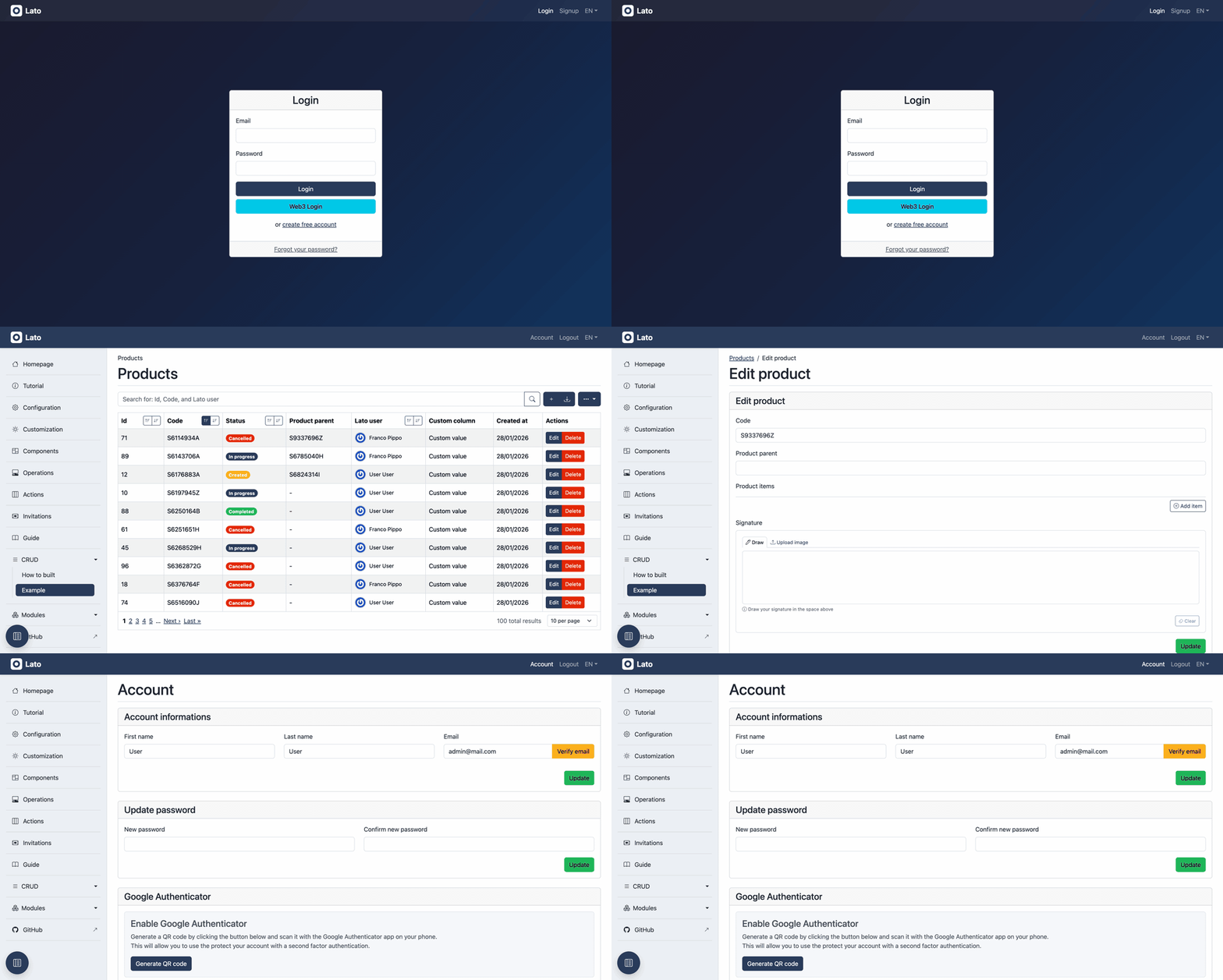
This gem includes:
User Management
Full authentication system with signin, signup, password recovery, email validation, Google Authenticator MFA, and ETH wallet connection.
Modern UI
Web interface built with Bootstrap and Bootstrap Icons, featuring integrated UI components like data tables, forms, and modals.
Stack Agnostic
Works with different databases (PostgreSQL, MySQL, SQLite), job processors (Solid queue, Sidekiq, Delayed Job), and cache systems.
Customizable & Extendable
The gem is designed to be easily customizable and extendable. You can fully customize the UI and functionalities, add new features to your main application, or develop new engines to extend the panel.
Modern Rails Features
Ready to use with the latest Rails 7+ features like ESM import maps, Turbo and Stimulus. The front-end is responsive, mobile friendly and accessible.
Everything your panel needs
Data tables, forms and account management out of the box.
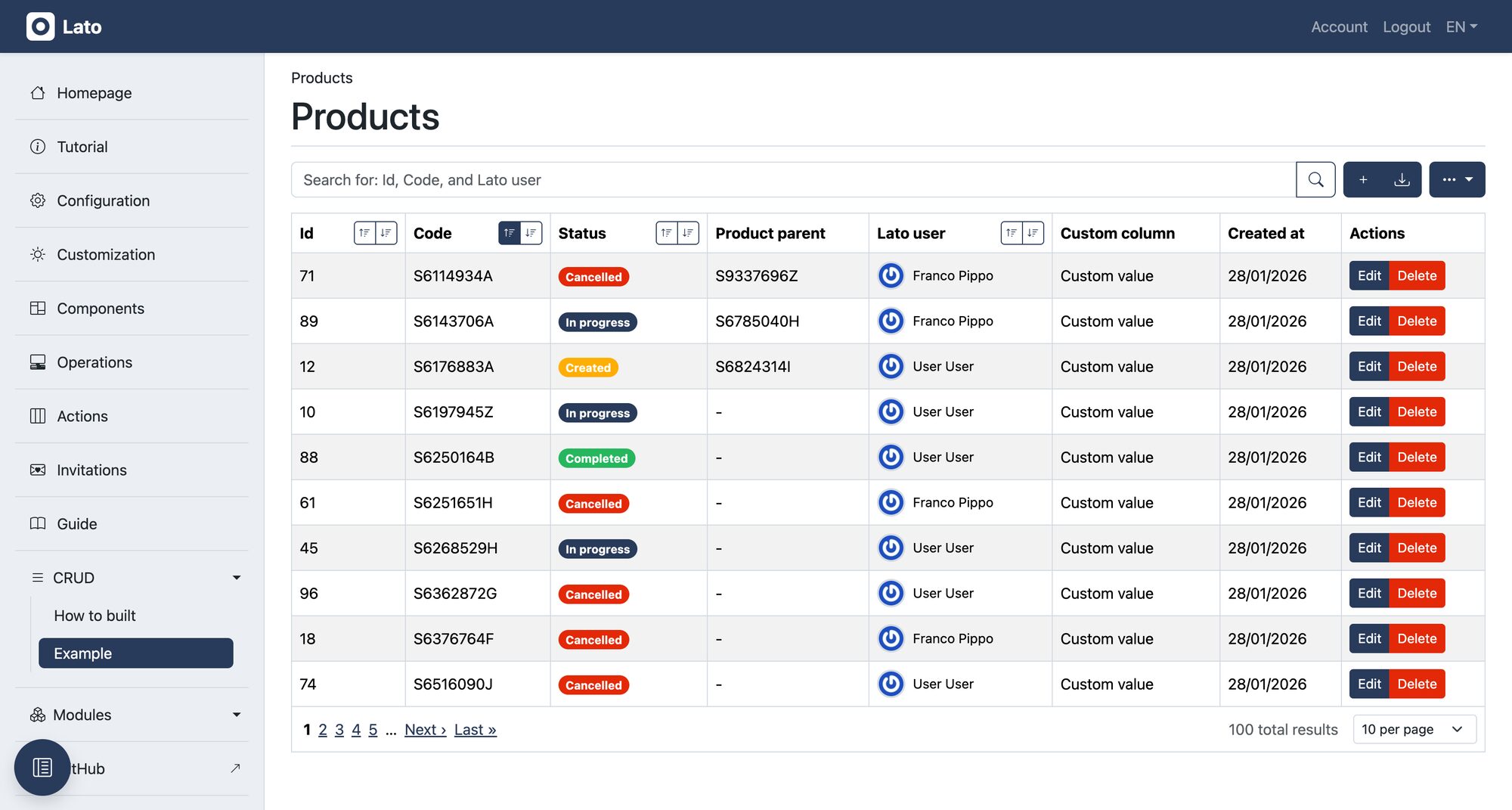
Index tables with search, sorting, pagination and custom columns
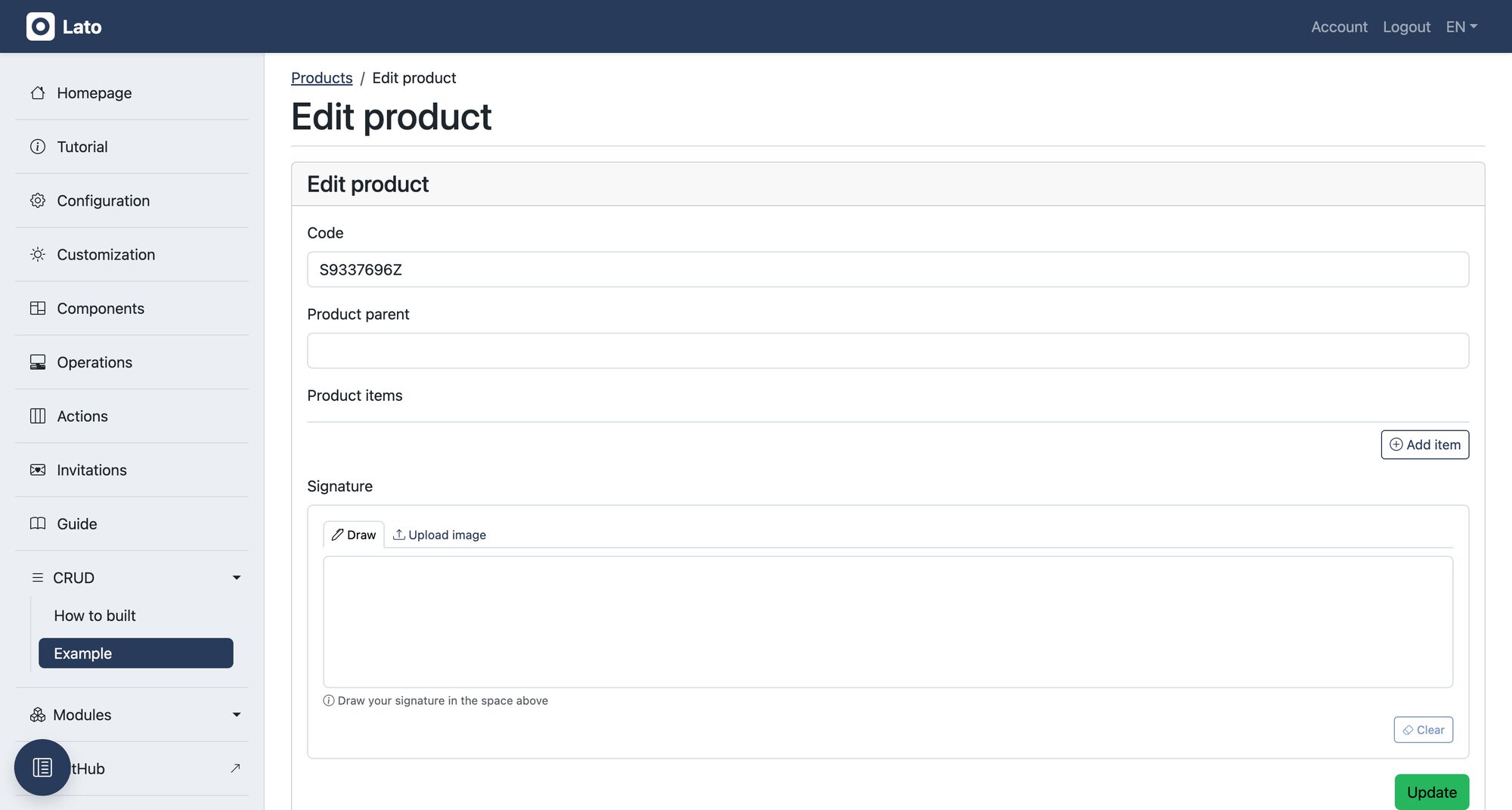
Forms with advanced inputs: autocomplete, lists, signatures, dropzone
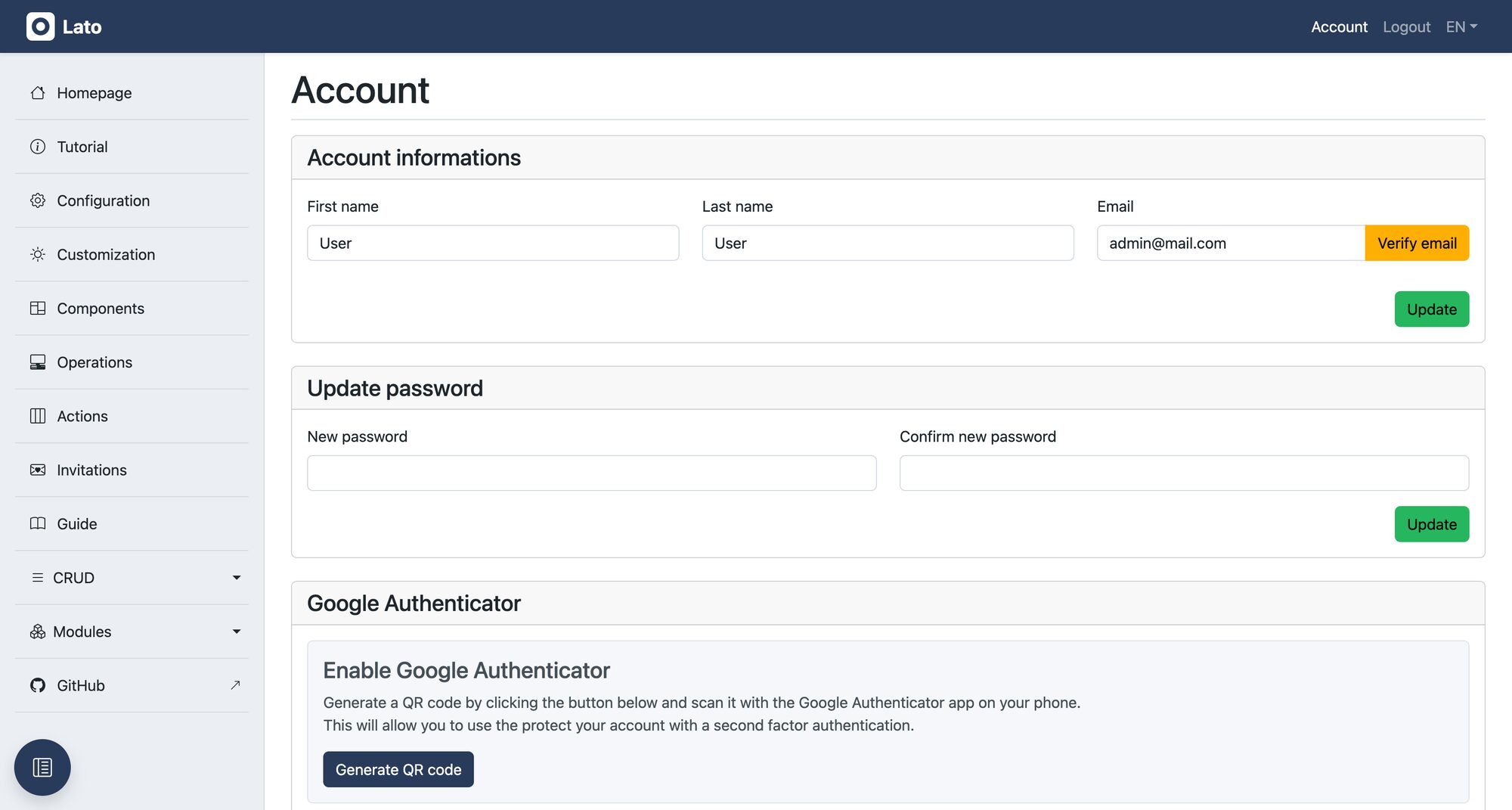
Account management with email verification, password change and MFA
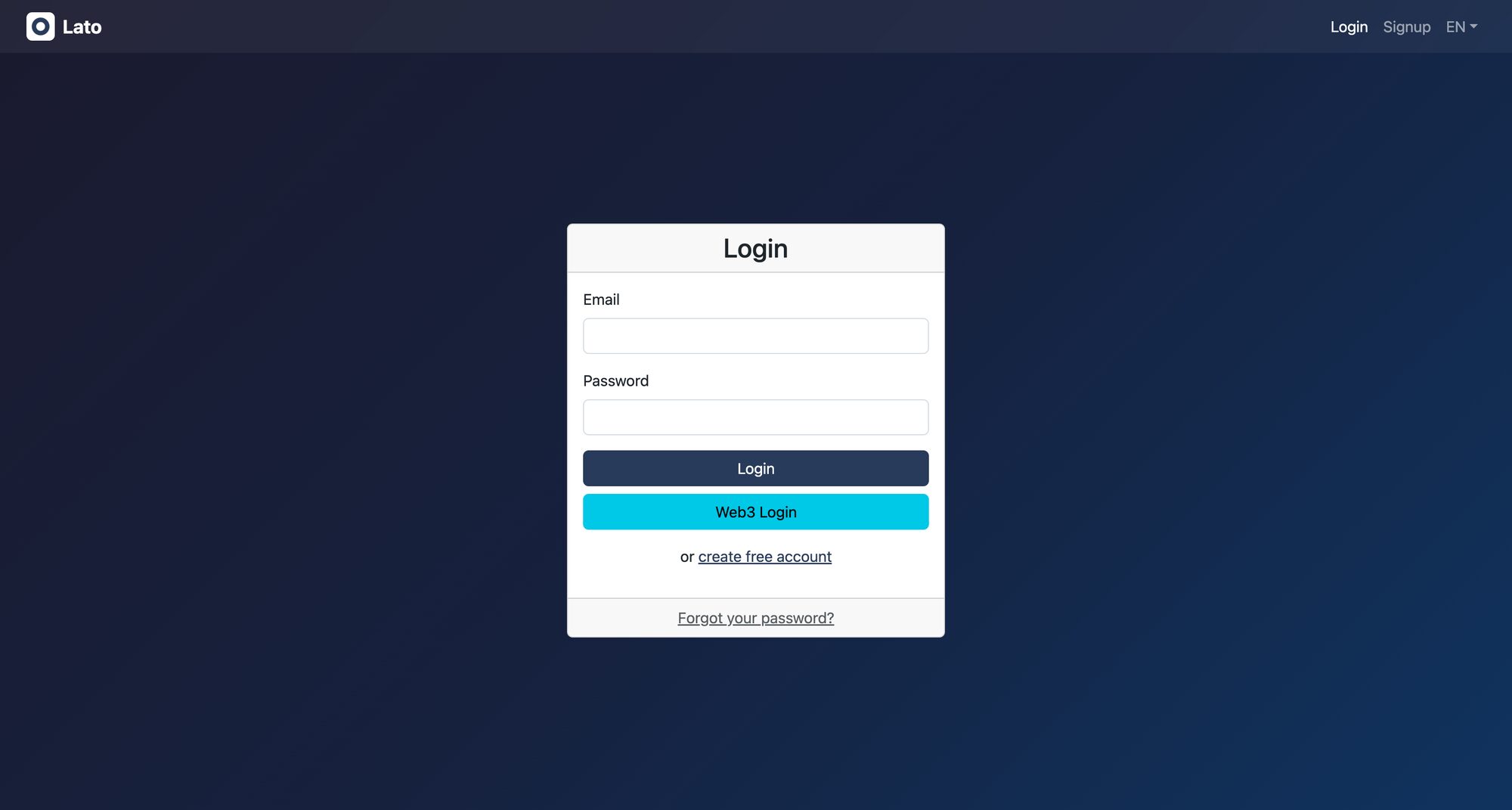
Complete authentication flow, including Web3 wallet login
An ecosystem of engines
Extend the panel with official modules.
Installation
Add Dependencies
Add required dependencies to your application's Gemfile:
# Use JavaScript with ESM import maps [https://github.com/rails/importmap-rails]
gem "importmap-rails" # NOTE: Probably already installed in default rails 7+ project

# Hotwire's SPA-like page accelerator [https://turbo.hotwired.dev]
gem "turbo-rails" # NOTE: Probably already installed in default rails 7+ project

# Hotwire's modest JavaScript framework [https://stimulus.hotwired.dev]
gem "stimulus-rails" # NOTE: Probably already installed in default rails 7+ project

# Use Sass to process CSS
gem "sassc-rails"

# Use lato as application panel
gem "lato"
Configure Asset Manifest
If not already present, add app/assets/config/manifest.js file with the following content:
//= link_tree ../images
//= link_directory ../stylesheets .css
//= link_tree ../../javascript .js
//= link_tree ../../../vendor/javascript .js
Install and Setup
Install gem and run required tasks:
$ bundle
$ rails active_storage:install
$ rails lato:install:application
$ rails lato:install:migrations
$ rails db:migrate
Configure Routes
Mount lato routes on the config/routes.rb file:
Rails.application.routes.draw do
  mount Lato::Engine => "/lato"

  # ....
end
Import Styles
Import Lato Scss on app/assets/stylesheets/application.scss file:
@import 'lato/application';

// ....
Import JavaScript
Import Lato Js on app/javascript/application.js file:
import "lato/application";

// ....
Setup I18n
Setup I18n on the config/application.rb file:
module MyApplication
  class Application < Rails::Application
    config.i18n.available_locales = [:it, :en]
    config.i18n.default_locale = :it

    # ...
  end
end